
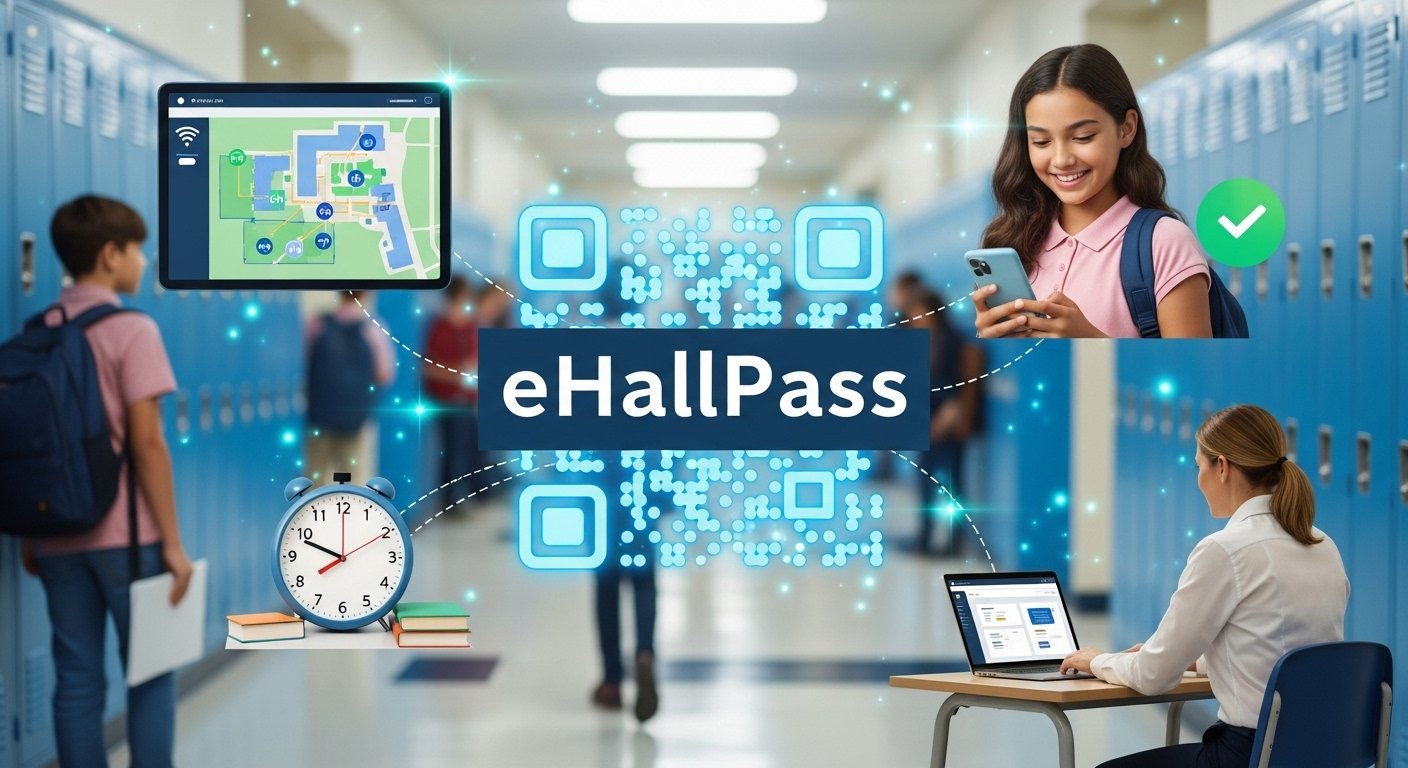
If you’ve been in a school recently—or know a student—you may have heard the term eHallPass. It’s a digital tool used by many schools to manage student movement during class time. But what exactly is it? How does it work? And why is it becoming more common in classrooms across the country? The idea is simple: instead of using paper hall passes or asking a teacher to write a note, students log into a system to request permission to leave the classroom. Teachers can accept or deny the request from their computer. It might sound like a small change, but it’s making a big impact on how schools track safety, manage time, and improve learning. In this guide, we’ll explain everything you need to know about eHallPass. Whether you’re a student, parent, teacher, or school administrator, you’ll learn how it works, why people use it, and what to expect when your school starts using it. This article is written in a friendly, clear way—just like we’re having a conversation—and it covers every detail to help you feel confident and informed about eHallPass.
What Is eHallPass and What Does It Do?
eHallPass is a digital hall pass system used in schools. It lets students request to leave the classroom on their devices—like a Chromebook, tablet, phone, or school computer. Instead of asking a teacher out loud or writing a paper slip, students simply make a request through their student dashboard. The teacher then gets a notification and can click to approve or deny the request. This all happens in seconds. Students can use eHallPass to go to the bathroom, library, nurse, office, or anywhere else on campus—but all movements are tracked for safety and accountability. It’s like Google Calendar meets school security. This modern tool replaces old-fashioned paper passes and gives schools a better way to monitor student activity while keeping everyone safe and organized during the day.
Why Are Schools Using eHallPass?
Schools are turning to eHallPass because they want a better, faster way to manage student movement. Paper passes can get lost, copied, or misused. Sometimes students wander the halls or meet up with friends without permission. That’s where eHallPass comes in handy. It adds structure and gives school staff real-time control. With one click, teachers know who’s out of class, where they’re going, and how long they’ve been gone. This leads to stronger security and fewer classroom interruptions. For administrators, this tool helps reduce overcrowding in the hallways and bathrooms too. Rules like “one student per restroom at a time” become easier to enforce. It’s also helpful during emergencies, since staff can instantly check who’s not in the classroom. Schools see eHallPass as a way to protect learning time and keep things running smoothly.
How Do Students Use eHallPass?
Using eHallPass is easy for students. First, they log into their account. This could be through Clever, ClassLink, or a school-specific login page. From there, students click “Create Pass” and choose where they want to go. Options like the restroom, nurse, or office are usually listed. If the school allows it, students can also search for certain rooms or staff members. After submitting the pass request, the teacher will get the alert and approve or deny it. If approved, the student’s screen will show an active eHallPass timer. It also tracks how long they’re gone. Once the student returns, they click “End Pass,” and the timer stops. It’s clean, simple, and paper-free. Some schools even block students from creating passes during certain times, like the first or last ten minutes of class. These rules help schools stay organized and fair to everyone.
What Do Teachers See on eHallPass?
From a teacher’s view, eHallPass offers a real-time dashboard. It shows who has requested passes, what time they left, where they’re headed, and how long they’ve been gone. Teachers click to approve or deny requests instantly. They can also schedule passes ahead of time, block specific students from creating passes, or limit locations. If a teacher notices a student is out too long, they can send reminders or alerts right from their computer. There’s even an option to message or recall students back to class. This gives teachers more control without having to stop teaching. eHallPass logs all student activity and stores it safely, so staff can review it later if needed. Teachers appreciate the simplicity—it’s fast, automated, and reduces disruptions from students constantly asking to leave during lessons.
Is eHallPass Safe and Secure?
Yes, eHallPass is built with safety and privacy in mind. The system is password-protected and requires school-approved credentials to access. It runs on secure servers and follows data privacy rules like FERPA (Family Educational Rights and Privacy Act), which protect student information. It doesn’t track students’ exact GPS location, but rather logs simple info like names, times, and destinations. That’s enough to ensure school safety without collecting unnecessary data. The advantage is that staff can easily respond to issues, check on students quickly, and track useful statistics without worrying about data leaks. Security updates are handled by the eHallPass team, and accounts are managed by each school’s IT department. Schools can choose who gets access, what data is shown, and how long records are stored. Overall, it’s a safe system that gives schools powerful tools without compromising student privacy.
What Happens If a Student Abuses the System?
If a student misuses eHallPass, schools can step in quickly. Some examples of abuse include creating fake passes, staying out too long, trying to meet up with other students, or using eHallPass during restricted times. When things like this happen, teachers and administrators can view each student’s pass history and spot patterns. The program also has automatic features to flag suspicious activity. For example, if a student tries to stay out too long or use the pass when it’s not allowed, the system might alert staff. Schools can block certain students from requesting passes or shorten the time limits for them. Some schools even remove eHallPass access for repeated misuse and go back to paper passes temporarily. Many schools use these moments to teach responsibility and earn trust again. Like any tool, eHallPass works best when students use it the right way.
Can eHallPass Improve School Safety?
Yes, many school leaders believe eHallPass makes schools safer. Because it tracks who’s out of the room, when, and why, it helps staff know exactly where students are during the day. This is helpful during emergency drills, lockdowns, or fire alarms. Staff can pull up reports on their computers or tablets and check which students are not in class. It also helps stop bathroom crowding, hallway meet-ups, and fights that sometimes happen in unsupervised areas. Some schools set limits like “one student in the hallway per teacher” to enforce calm, safe movement. Knowing that someone is watching helps discourage bad behavior and encourages students to follow rules. Safety isn’t just about big events—it’s about small, smart choices happening all day. And eHallPass helps make those moments more visible and more safe.
Can Parents See eHallPass Activity?
In most cases, eHallPass data is not shared directly with parents. However, schools can choose to share reports or summaries if a parent requests them. For example, if a student is spending too much time out of class or using eHallPass too often, the school may contact parents to discuss it. Teachers can generate a chart or report showing all the hall passes for a student in one day, week, or month. This can help parents and staff work together to support students and build helpful routines. Some schools might consider giving parents more direct visibility in the future. But for now, most of the data stays between teachers, students, and school staff unless there’s a clear reason to share it home.
What Features Make eHallPass Unique?
One thing that makes eHallPass stand out is how flexible it is. Unlike simple hall pass forms or online sign-outs, this platform is full of smart features. Schools can limit how many students are out at one time, create “block lists” so students can’t meet up, or auto-hide pass options after a certain time. It also tracks every pass for every student, giving schools a clear idea of trends over time. There’s also a waitlist feature that lets students schedule when they’ll leave class without overwhelming the hallway. Some versions include QR codes or kiosks for fast scanning. Teachers get full control over who leaves, when they leave, and where they go. This level of control—with the easy interface—is why more and more schools are choosing it. It does more than track school movement; it actually improves how schools work each day.
Is eHallPass Good for Students?
Many wonder if eHallPass helps or hurts students. In truth, it depends on how it’s used. When used fairly, it gives students polite, predictable systems to request a pass without worrying about bothering the teacher. Students can see how much time they’ve spent out of class. This helps them build better habits. It also means students feel seen and their safety is taken seriously. On the downside, if the rules are too strict or used unfairly, students may find it frustrating. That’s why the best schools set clear expectations and involve students in how eHallPass works. When students have voice, trust, and support, digital tools like eHallPass help them feel respected and responsible for their time at school.
Do All Schools Use eHallPass?
No, not all schools use eHallPass, but more are adopting it every year. It’s most common in middle schools and high schools, where managing student movement can be more difficult. Some elementary schools use simpler versions or limited features. Other schools may use paper passes, hallway monitors, or homemade digital systems instead. eHallPass might not work for every campus, especially if internet access is limited or if staff are worried about screen time. But for schools that want to boost safety, reduce hallway crowds, and make student movement more efficient, it’s a trusted choice. Its flexibility means schools can turn features on or off to fit their exact needs.
Can eHallPass Be Used for More Than Bathroom Breaks?
Yes, eHallPass isn’t limited to just bathrooms. Students can use it for many different needs—meeting with a teacher, visiting the guidance counselor, going to the nurse, checking in at the office, or picking up supplies. Teachers and staff can pre-approve special passes for regular appointments or support services. Some students even use it to attend extra help sessions or club check-ins. Admins can also set categories—like “academic support” or “wellness”—to show where time is going. All of this helps make schools more organized. It also proves that eHallPass isn’t only about control—it’s also about access. When used wisely, it helps students get what they need without causing confusion or wasting time.
FAQs
What is eHallPass used for?
eHallPass is a digital tool that lets students request hall passes online and helps schools track student movement.
Is eHallPass safe to use?
Yes, it follows strict security and privacy standards to protect student data and school records.
Can teachers block students from using eHallPass?
Yes, teachers and administrators can limit access or place students on restrictions if needed.
Do students need internet to use eHallPass?
Yes, since it’s cloud-based, devices need internet access. Most schools provide Chromebooks or tablets for this.
Can parents see their child’s eHallPass history?
Not directly, but schools can share reports with parents if they need to review behavior or attendance.
Is eHallPass free for students to use?
Yes, students do not pay to use it. Schools usually cover the cost through school budgets or tech grants.
Conclusion
The rise of eHallPass represents more than just a new way to leave the classroom—it’s a step toward safer, smarter, and more organized schools. From giving teachers instant control to helping students take more responsibility, this simple tool is changing daily life inside thousands of classrooms. While no tool is perfect, eHallPass offers real solutions to real challenges. It helps schools reduce hallway disruptions, increase safety, and meet the needs of busy campuses in a modern world. The key to success is balance: using the system with fairness and flexibility. When everyone understands how and why it works—from students to staff—the results are clear. Better use of time. Cleaner tracking. Safer environments. As more schools consider going digital with hall passes, tools like eHallPass will play a big role in shaping the future of education.